
Organisation-scoped access
Signing in establishes identity. Active organisation membership, property access, role and module entitlement determine what a person can use.
Atlas separates identity, organisation membership, property access, module entitlement and public publication. This page explains the product controls visible to customers without making unsupported certification claims.
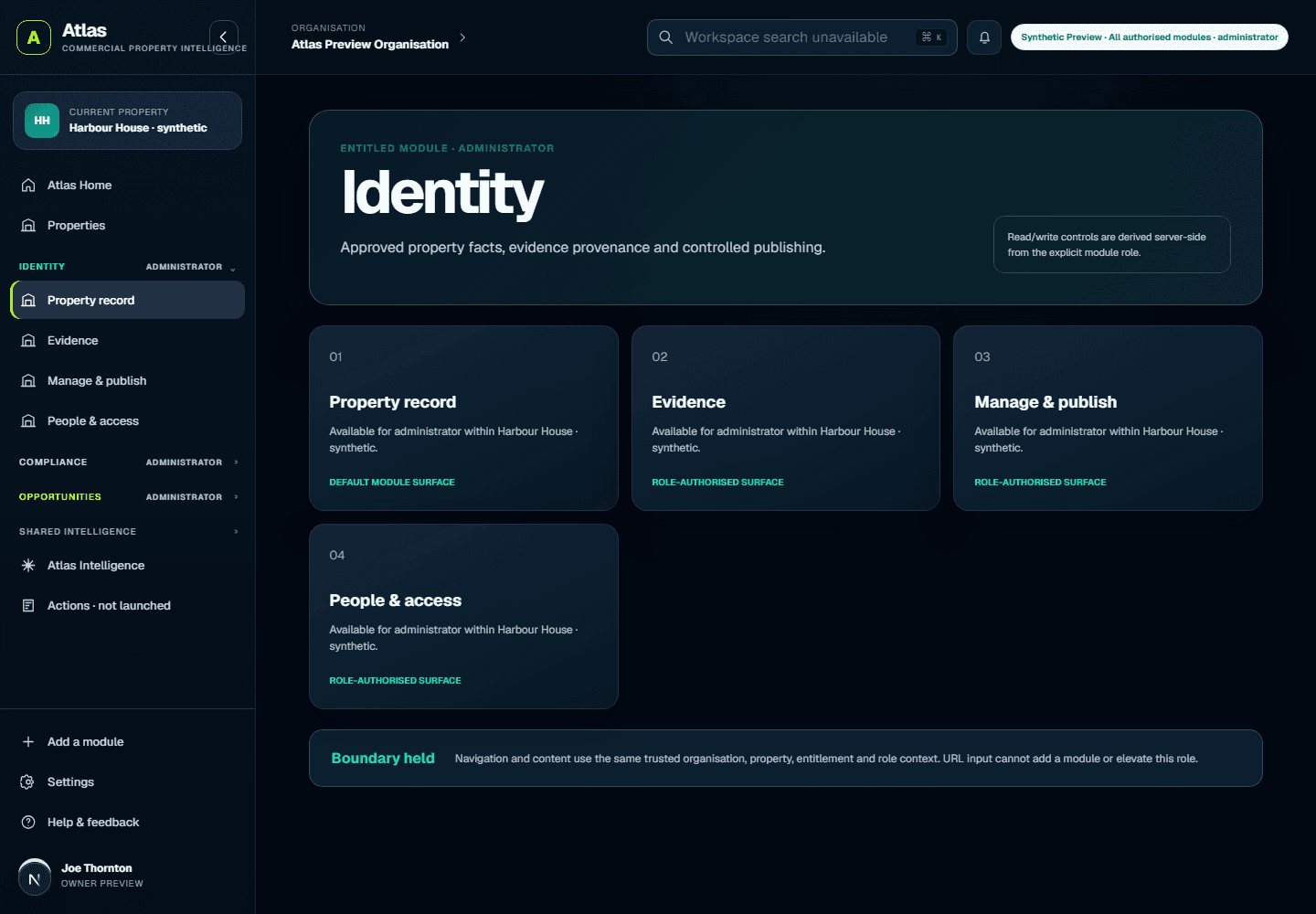
Signing in establishes identity. Active organisation membership, property access, role and module entitlement determine what a person can use.
Private property records and evidence are not placed on a public profile automatically.
A public profile contains only the fields an authorised person deliberately approves for publication.
Where supported, source, date, version and uncertainty stay connected to the information they describe.
Compliance, Opportunities, Spatial, Intelligence and Actions remain subject to their availability and entitlement boundaries.
Atlas does not silently grant authority or autonomously execute consequential property work.
Security, retention, data processing, portfolio-scale access and integration requirements can vary by organisation. Contact Atlas for the current product-specific position and applicable agreement.
Create an account, organisation and first private property workspace. Free has fixed allowances and never charges automatically.