
01
See the portfolio
Start with every property, current attention and the capabilities available to your team.
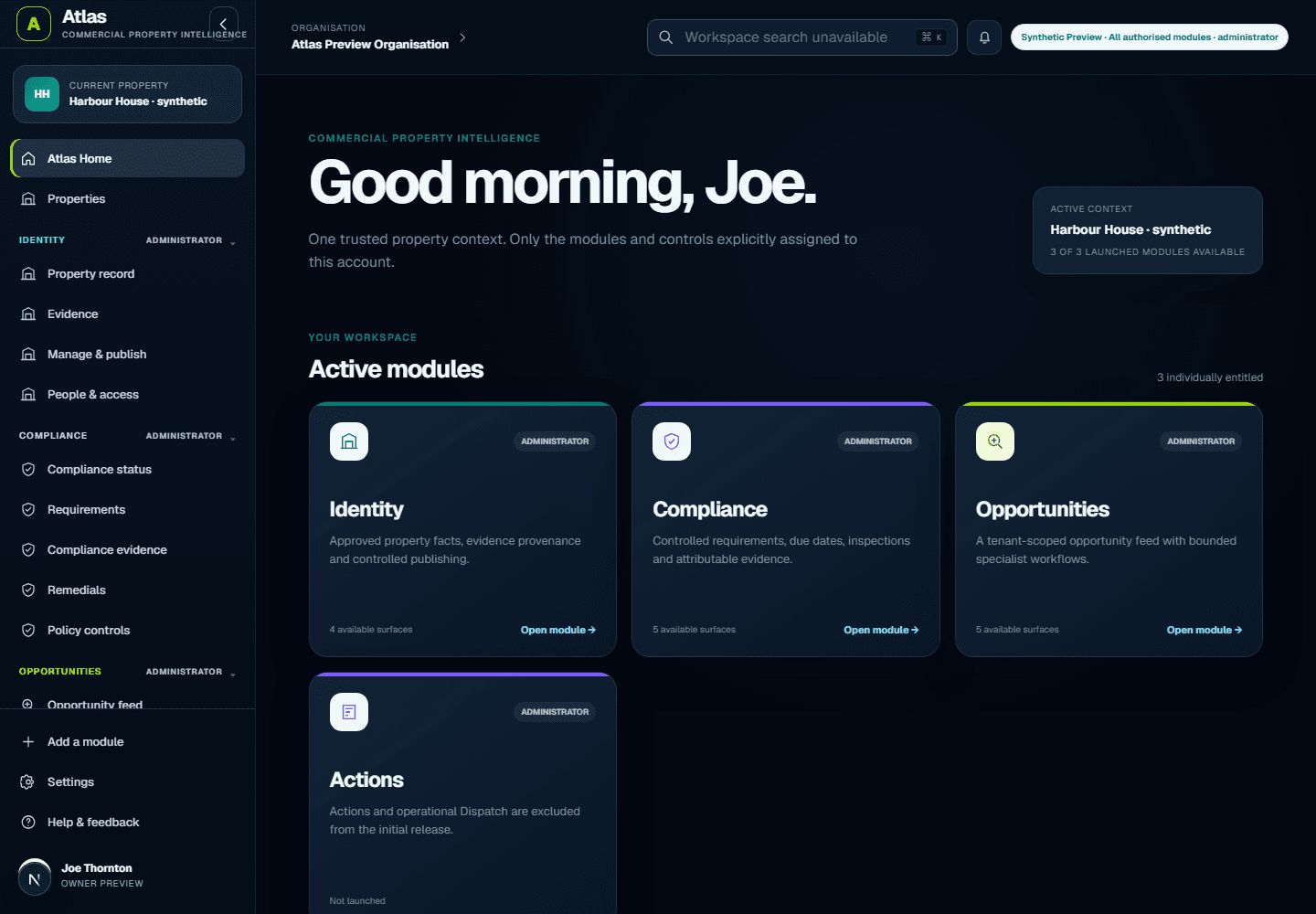
Follow a fictional managing-agent workflow in the genuine Atlas interface: find an item needing attention, open its evidence, understand the context and prepare a human-reviewed next step. No customer data is shown.
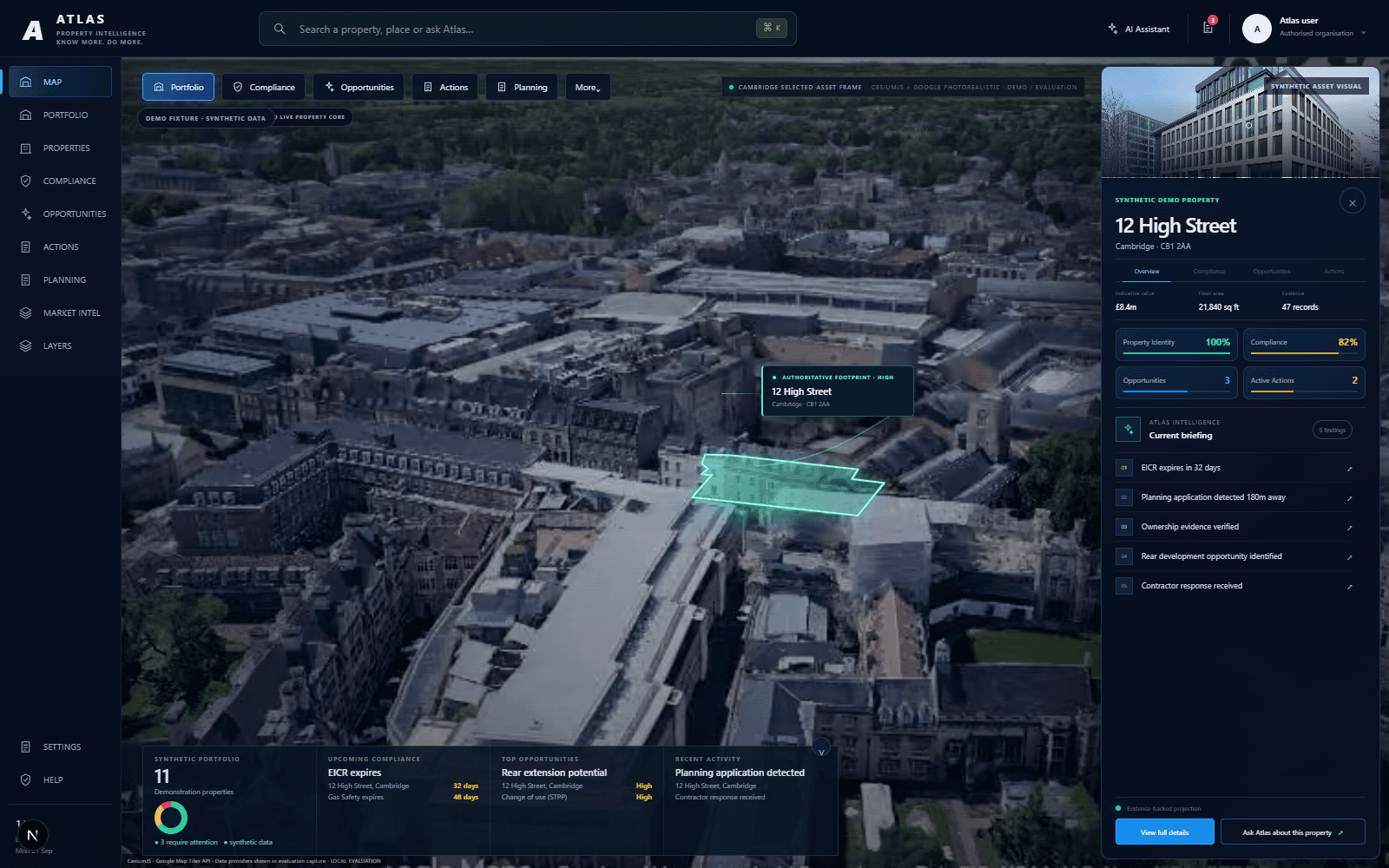
Start with every property, current attention and the capabilities available to your team.
Use Spatial to move from the portfolio into one property without losing the wider context.
Open current attention and compliance items, then inspect the supporting property evidence.
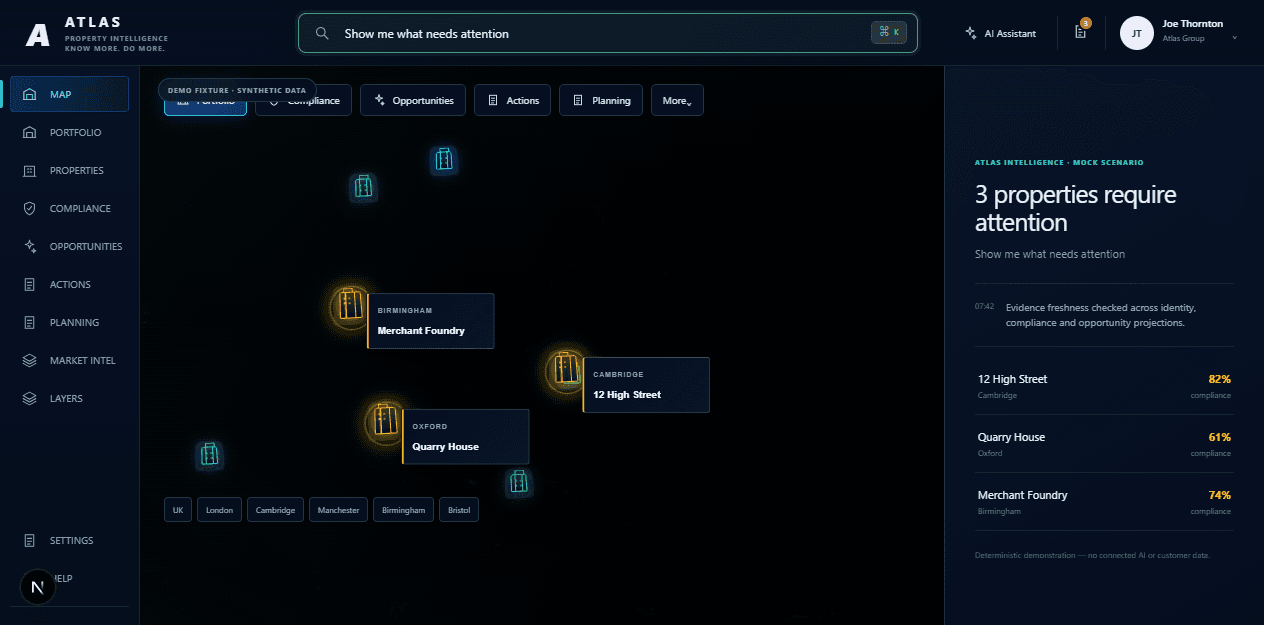
Ask what changed, why it matters and what your team should consider next.
Turn a finding into a reviewable next step while human approval stays visible.
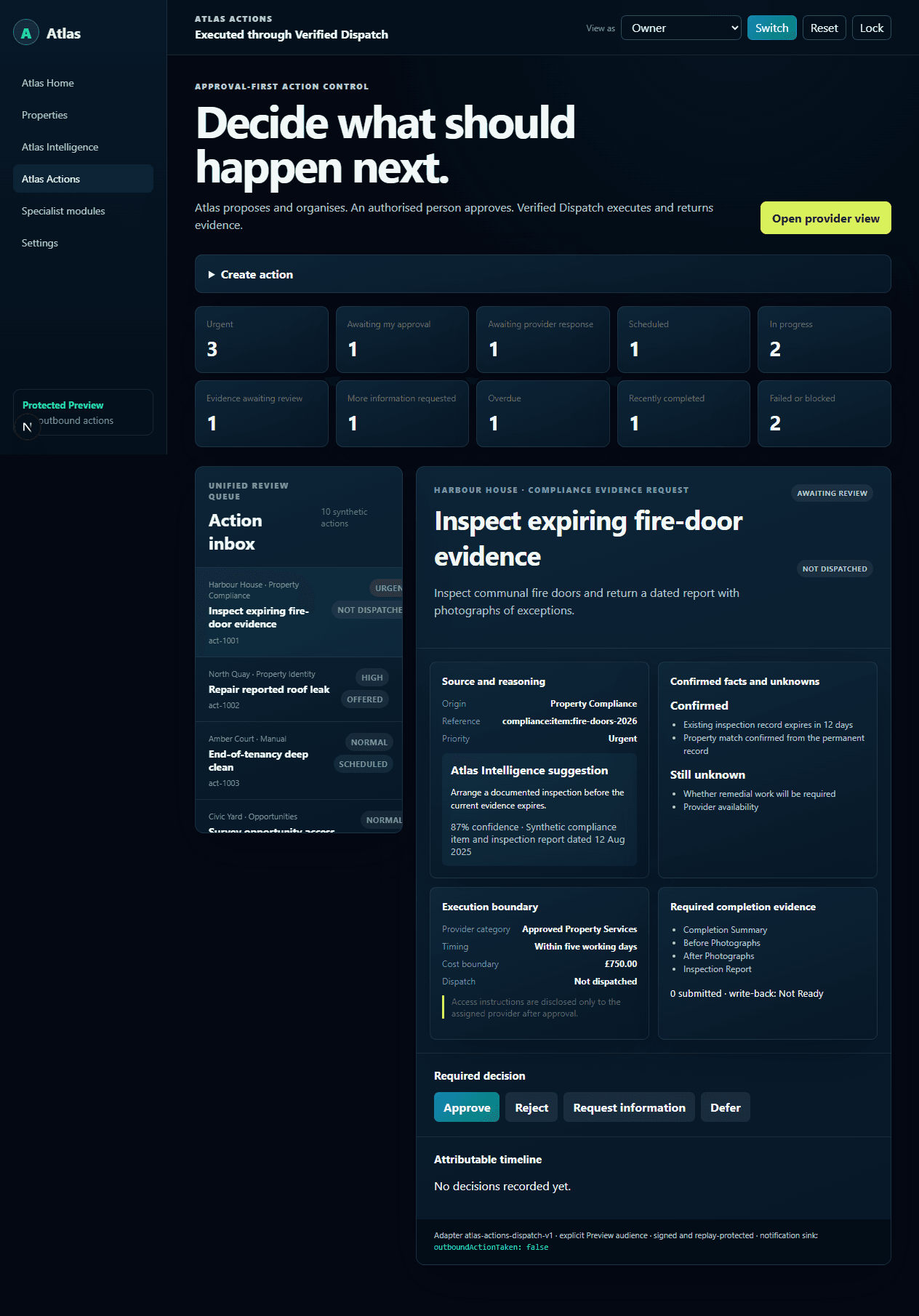
The evaluator can see the issue, the property it belongs to and the evidence behind it. Atlas does not certify the answer or execute consequential work automatically. Spatial, Intelligence and live Actions require separate enablement and are not part of today’s bounded Free allowance.
Discuss this workflow →Create an account, organisation and first private property workspace. Free has fixed allowances and never charges automatically.